FooSales vs choPOS: Subscription POS vs Free Plugin
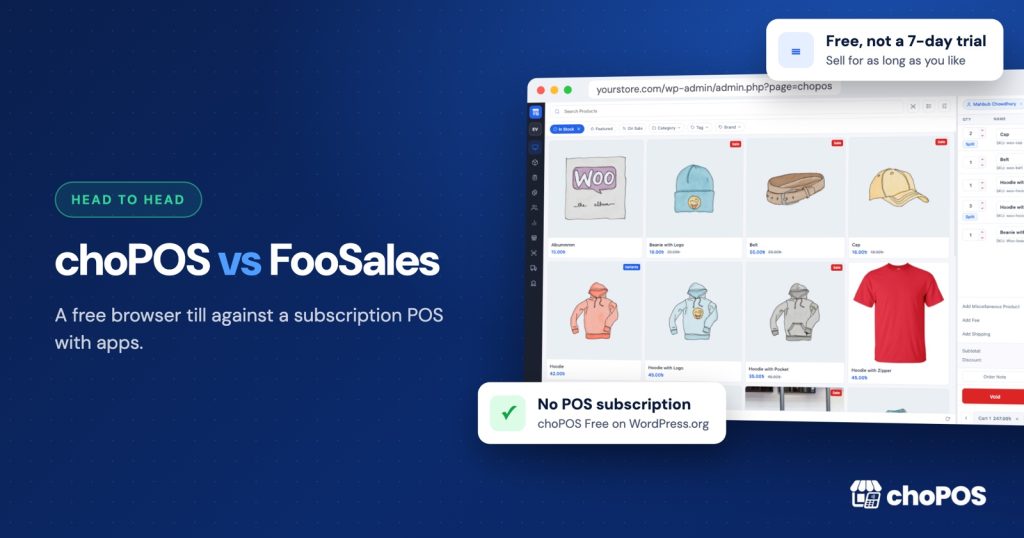
choPOS is the better choice for a WooCommerce shop that doesn’t want to pay every month for its till. FooSales has a 7-day trial, then costs $19 to $38 a month per store, billed yearly. choPOS Free has no time limit and no user or device limits, and choPOS Pro is a one-off $49.
Weighing more options? Our WooCommerce POS comparisons page links to every head-to-head we have written.
How are FooSales and choPOS different?
Both use your WooCommerce store as the source of truth. Products, stock, customers and orders stay in WooCommerce, and counter sales are saved as WooCommerce orders.
FooSales is a subscription service with its own apps. You install the FooSales plugin, start a trial, and sell from the FooSales apps or its web app, according to its WordPress.org listing. choPOS is a free plugin: the till runs in your WordPress dashboard in any modern browser, with no account, no trial and no subscription.
What does each cost?
From the FooSales pricing page in October 2026, in US dollars:
| Plan | Price | Includes |
|---|---|---|
| FooSales trial | Free for 7 days | Everything in Plus |
| FooSales Core | $19 a month per store, billed yearly ($228 a year) | Up to 3 users or devices |
| FooSales Plus | $38 a month per store, billed yearly ($456 a year) | Core plus Square and Stripe payments |
| choPOS Free | $0, no time limit | Full single-store till, no user or device limits |
| choPOS Pro | $29 a year, or $49 once | Multiple stores, purchase orders and vendors, barcode labels |
Over three years, one FooSales store costs $684 on Core or $1,368 on Plus, and extra users and devices are sold as add-ons. choPOS Free costs nothing, and a choPOS Pro lifetime licence is $49 once.
How do payments work in choPOS?
choPOS works with any card machine from any bank or processor. The cashier records Cash (with change due), Card for external terminals, or an enabled WooCommerce gateway, and part payments with a balance due are built in. You don’t need a particular processor or a higher plan to take cards.
FooSales’s integrated card payments need the Plus plan at $456 a year and work with Square and Stripe. Our choPOS vs Square comparison shows how to use a Square reader alongside choPOS with no extra plan.
Why choose choPOS over FooSales?
- Free to keep using. No trial clock, no monthly fee and no user or device limits.
- No apps to install. Open the POS from your WordPress dashboard on any device with a browser. A full-screen mode hides the admin while you sell.
- Any card machine, any country. Ring up the sale, take the card on your bank’s terminal and record it as Card. Nothing ties you to Square or Stripe.
- Receipt templates. 80 mm, 58 mm and A4 receipts, gift receipts, packing slips and kitchen tickets, printed through the browser or sent as PDF or email.
- Multi-store for $49. choPOS Pro adds branches with their own stock, orders, customers and reports, plus purchase orders and barcode labels, on a lifetime licence.
For the wider market, see our roundup of the best WooCommerce POS plugins.
Key takeaways
- Both save counter sales as WooCommerce orders.
- FooSales has no free plan: a 7-day trial, then $228 or $456 a year per store.
- choPOS is free with no user or device limits, and works with any card terminal.
- choPOS Pro is $29 a year or $49 once, so three years of choPOS costs less than three months of FooSales Plus.
Frequently asked questions
Is FooSales free?
No. FooSales has a 7-day free trial, then Core costs $19 a month per store and Plus $38 a month per store, both billed yearly (October 2026). choPOS Free has no time limit.
Is choPOS a good FooSales alternative?
Yes. choPOS is free with no user or device limits, needs no app, and works with any card terminal. choPOS Pro adds multiple stores, purchase orders and barcode labels for $49 once.
Can I use a Square reader with choPOS?
Yes, as a standalone card machine. Ring up the sale in choPOS, take the card on the Square reader in Square’s app, then record it in choPOS as Card. The sale is saved as a WooCommerce order.
Try choPOS on your own store
The quickest way to decide is a few test sales on your own products. Download choPOS Free from WordPress.org, open it in your browser, and see how counter sales look as WooCommerce orders. If you later need branches, purchase orders or barcode labels, the Free vs Pro comparison shows exactly what Pro adds.